
Minnesota VINE in Isanti County
Isanti County's official Victim Information Notification Service page is the county's doorway to Minnesota VINE. Searches run through the Internet or by telephone. Registration brings notice by phone or email. The county publishes the number 877-MN4-VINE. It is also written 877-664-8463. The listing includes links to VINELink and the VINEmobile app. There is no separate Isanti County SAVIN brand. The sheriff's office lists no local VINE API or custody app either. VINE works best once you know the person and the likely custody jurisdiction. A result can support a current custody check and future status alerts. It is not a full arrest history. It is not a police report, court outcome, warrant search, or booking-photo source. A missing result means only one thing. No match appeared in the queried VINE data at that time. The VINELink search screen is where you pick Minnesota and begin the custody lookup.
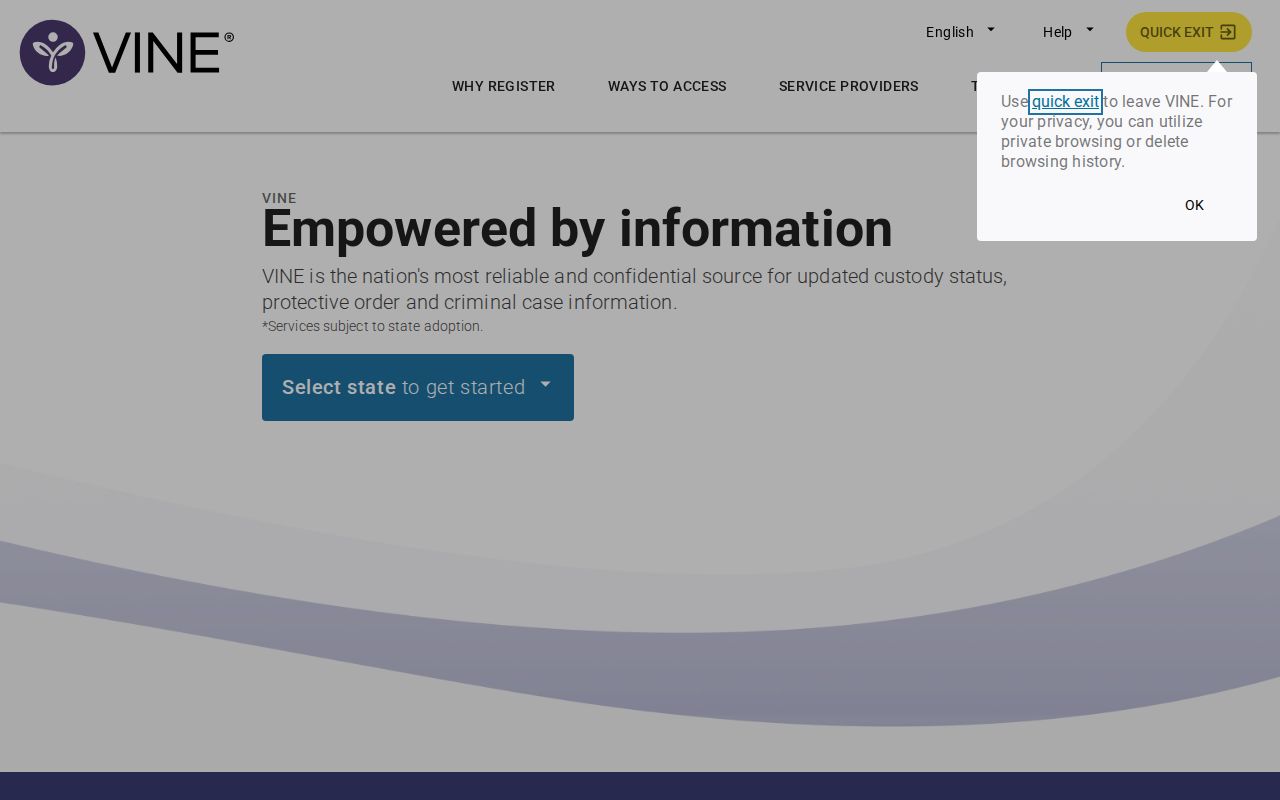
The VINELink search screen shows only empty search fields.
Run an Isanti VINE Check
Vendor updates can change the search fields and county selectors. Take care when choosing. Start with a name, then compare every returned identity and custody detail before accepting a match.
- Open VINELink or call Minnesota VINE at 877-664-8463.
- Select Minnesota, then choose the custody search and Isanti County jurisdiction when that option is available.
- Enter the person’s name or available identifier. Try spelling variants rather than assuming the first blank result is final.
- Compare identity details across possible matches. A common name alone is not enough.
- Open the matching record and read the custody status, facility, and identifier shown by the service.
- If release or transfer notice is needed, use the registration control attached to the matching record.
VINE never holds the Sheriff's booking file. For the underlying booking record or photo, use the county paths described on the Isanti County recent-arrests home page.
What a VINE Result Means
Field labels on the vendor's site can shift over time. A result offers custody and identity facts, not a case outcome.
| Result item | How to use it |
|---|---|
| Identity details | Compare the available name and identifying information before treating a result as the intended person. |
| Custody status | Shows the status reported through VINE at that time; confirm urgent facts with the facility. |
| Facility or jurisdiction | Indicates the agency or location associated with the custody record. |
| Offender identifier | Helps distinguish similar names and refer back to the same VINE record. |
| Status change | May support notice when the person is released or transferred. |
| Booking photo | VINE is not the Isanti County roster’s booking-photo display. |
Note: VINE reports custody data supplied to the service; it does not decide charges, guilt, release conditions, or court disposition.
Register for Release Alerts
Registration begins with a matching custody record. Minnesota's county page offers phone and email notices. A personal PIN lets each subscriber manage or cancel alerts, so guard it and keep contact details current.
- Confirm that the open record is the correct person before selecting the notification option.
- Choose the offered event, such as release, transfer, or another custody change.
- Select an available phone or email delivery channel and enter accurate contact information.
- Create or confirm the personal PIN requested by VINE. Store it securely.
- Complete the confirmation shown by the service and retain the registration details.
- Return to VINELink or call the VINE line to manage the registration when needed.
The VINELink registration screen follows a confirmed custody match.

The registration page displays no real contact details or alert PIN.
Confirm Fresh Isanti Arrests
VINE can lag behind a new booking. The Isanti County Sheriff's current roster carries a timestamp too, but the department publishes no fixed refresh schedule. An arrest just hours old may show nowhere yet. Check the official In Custody page, note its timestamp, and look again after booking staff have finished processing. Call Jail Master Control at 763-691-2397.
Neither VINE nor the roster promises that every Isanti County arrest appears online. The Arrested Today page details the roster's same-day limits.
VINE Does Not Cover Federal Custody
Minnesota VINE cannot locate someone held by the Federal Bureau of Prisons. Immigration custody sits outside it too. For federal prison, use the official BOP Inmate Locator. For immigration holds, use the ICE Online Detainee Locator System. A county arrest can also turn into a transfer. The last local entry may not reflect where the person sits now. The Minnesota Department of Corrections runs a separate Public Viewer. It covers adults committed to the Commissioner of Corrections. That includes people in prison or on supervised release. Fresh Isanti County Jail bookings are not there. Match the tool to the custody stage. Do not search every system as if they hold the same people. Transfers create gaps. When a match checks out, save the identifier, the facility name, and the time shown. Contact the last known agency if the next official locator has not updated. A temporary no-result is not a release. Do not assume the person walked free. The holding agency can share only the public custody facts it is permitted to disclose.
Match the Tool to Custody
Someone just arrested in Isanti County appears first on the Sheriff's timestamped custody roster. VINE picks up from there. It supports status tracking and lets you register alerts. After release, the roster row can vanish. The booking record, police report, and court file still exist, though, and a move into state correctional custody shifts the search to the Minnesota DOC locator.
Each system answers a different question. VINE reports custody changes. The jail logs the booking itself. Police document the incident, while the Isanti County District Court holds the filed case and its outcome.
For a released booking, call Sheriff records at 763-691-2480. For someone in current county custody, Jail Master Control answers at 763-691-2397. Both lines differ from the general Sheriff and non-emergency number, 763-689-2141. Give staff a full name and likely booking date. Adding a known identifier helps prevent mix-ups with a similar name.
Use Custody Alerts Safely
A VINE alert is a prompt to check, not a promise of safety. It is not a full explanation either. Keep your phone and email details current. Guard the registration PIN. If a notice seems unclear, contact VINE, and for immediate danger call emergency services instead of waiting on an automated message.
Isanti County's official VINE page is the authoritative local route. It carries the service name, phone number, and links. VINEmobile is a notification app. It is not an Isanti County Sheriff product. That distinction matters, since no photos, arrest lists, or police reports live inside the alert system.
Automated notices can lag. A status change may already be in effect when the message lands. Keep a separate safety plan when one is needed. Never rely on one alert alone.
If a registration stops working, return to the official county VINE page. Reconnect there and confirm the person's record. Then create a fresh alert, and keep VINE as a focused tool for status and notice.